
Are you extremely tired searching google for French accents to copy and paste into your document? Sometimes, you just want to type a quick message and neglect accents because it’s bothersome to remember ALT codes.
No fancy French keyboard required and no settings to switch. This stuff is built into your Macbook.
How else could I write articles here or type French papers with such ease?
THE TWO CRUCIAL STEPS
There are two steps required to type French accents on your mac device.
First, you must hold down the option key and then click on a certain letter. The letter depends on the desired accent (you’ll see the combinations in the next section).
THEN, you release the two keys you were just holding down. The accent should appear on the screen although it will be hovering over nothing… you need to assign a letter to the accent!
Now type in the letter you want the accent to receive. It’s that simple!
HOW TO PRODUCE FRENCH ACCENTS
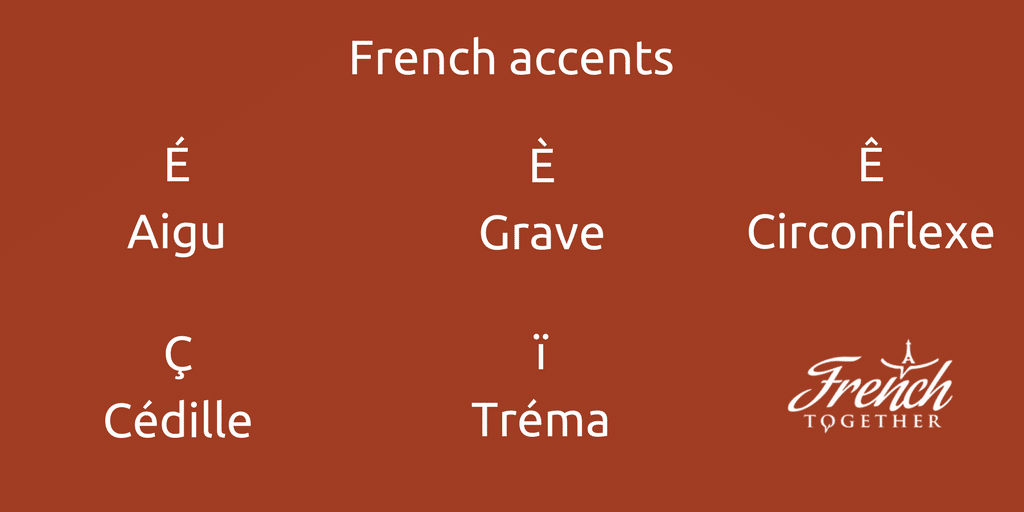
CEDILLA: (Ç)
Option key + letter c. No additional letter needs to follow.
ACCENT AIGU: (É)
Option key + letter e at the same time. Release all the keys you held down. Now click the e again.
ACCENT GRAVE: (À, È, Ù)
Option key + ` (found in the top left of your keyboard, on the key with the tilde). Followed by a, e, or u.
CIRCUMFLEX: (Â, Ê, Î, Ô, Û)
Option key + letter i. Followed by a, e, i, o, or u.
TREMA: (Ë, Ï, Ü)
Option key + letter u. Followed by e, i, or u.
OE LIGATURE: (Œ)
Option key + letter q.
EXTRA EXAMPLES
While holding the option key, click “e” once (just as if you were typing the letter “e”).
Release both the option key and e. Now say I wanted this accent I just produced to go above an “i.” I would type in an “i” in the same manner I normally would, except this time the letter would receive the desired accent.
Pro tip: In order to make any of the accented letters capitalized, all you have to do is hold down the shift key when typing in the letter you want to assign the accent to.
CONCLUSION
At first glance, this all may be a little to much to take in now, don’t worry! Keep referencing back here if you forget which keys to use and you’ll be naturally typing accents even FASTER than when using a French keyboard.
These are all the skills I used to make typing French accents on mac computers.
Macs rock!